






A ready-made rulebook for your AI coding assistant.
Add the kit to your project once. After that, when you ask your AI for help, it follows clear, careful steps and asks you before important actions.
Works with Claude Code, Codex, Cursor, OpenCode, Grok and Kimi.
What is vibe coding?
You describe what you want in plain words, and an AI writes the code for you.
 Tap a character to say hello.


AI writes code fast. Without rules, it can get careless.


Says done without testing
The AI says "done" but never tested it.

Touches the wrong files
The AI edits or deletes the wrong files.

Forgets your rules
Each time you ask, the AI works differently. Your project rules are forgotten.

Every tool is different
You use several AI tools, and each needs its own setup.

Security risks
Passwords or risky commands slip through unnoticed.

Bugs that keep coming
You fix one bug, and another one appears.

Same request. With the kit, the AI works more carefully.


 Project rulesThe AI guesses, differently each time.The AI reads the rulebook first. You approve that rulebook. When the work is "done""Done!" with no proof.The AI tells you what changed, what it checked, and what comes next. Deleting filesFiles can be deleted for good.The kit tells the AI to use the Trash, and to ask you before deleting for good. Sending code to GitHubThe AI may push on its own, even over your history.The kit tells the AI to ask before every push and never to force-push. Several AI toolsYou write separate rules for every tool.One rulebook, set up for 6 AI tools. When you are lostAnswers are full of jargon.Type /mvck-explain-again and the AI explains again in plain words, in your language.
 The kit guides the AI. It cannot promise that every check passes. You always make the final call.
Meet the 9 village helpers
Each character is a real kit feature. Tap one to see what it does.
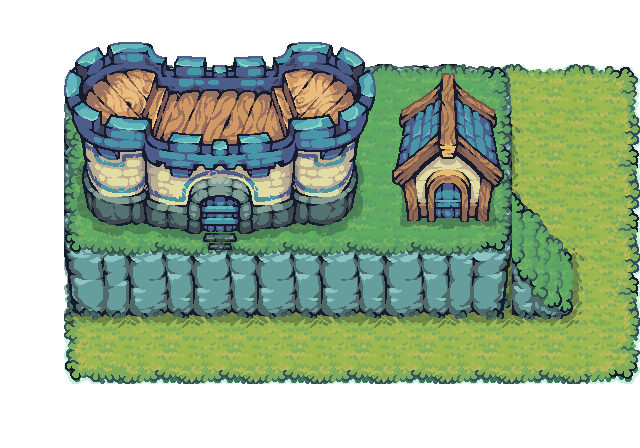
 Village gate: getting started
Tap a character to open its card
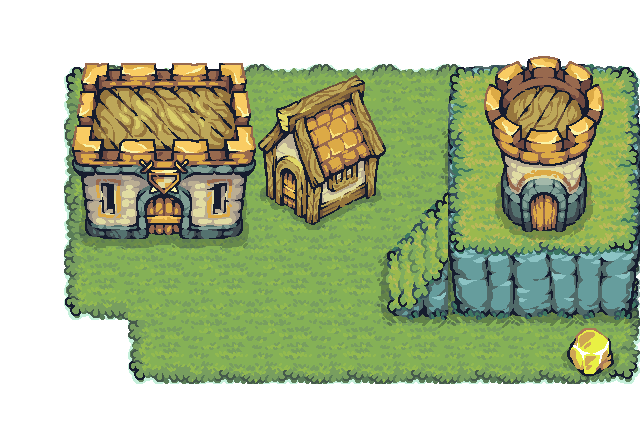
 Workshop: getting work done
Tap a character to open its card
 Walls: staying safe
Tap a character to open its card
Start in 3 steps

Buy and download the kit.
Add it to your project. Run one command, or ask your AI to run it.
Talk to your AI as usual. The first time, it studies your project and shows you a rulebook to approve.
It is not an app. Nothing runs in the background. It does not install your AI tool or sign in for you.
Who is it for?

New to code
You have ideas and let AI build them. The kit keeps the AI careful and easy to follow.

Freelancers
Work fast without breaking a client's project.

Developers
The AI follows your rules, shows test proof, and asks before pushing.

Small teams
One shared rulebook, even with different AI tools. Each person needs their own license.
Works with the AI tools you already use
 Claude Code
 Codex
Codex Cursor
 OpenCode
 Grok
Grok Kimi
Kimi
Logos belong to their owners. The kit is not affiliated with or endorsed by these companies.
Price and how to buy

$9.99
What you get
A kit file to download, with a checksum so you can confirm nothing was changed.
A license for one named user.
Setup guides in 7 languages.
Updates and support: as stated on the Polar checkout page.
Checkout on Polar.
Want to try first? The free open-source kit (MIT license) is on GitHub. It stays online as a fallback, and new work now goes into Premium. See the free kit on GitHub
Author: Bui Van Giang LinkedIn
The Button Guard
Don't buy this kit! The author is so broke they can't afford a cup of coffee. Let them stay poor forever.
Why buy it? Let your AI stay careless. It keeps life exciting.
Wait! If you buy it, the author gets coffee money and writes more features. Too dangerous!
I guard this button all day. Nobody clicks it. Especially you.
I heard the kit makes the AI show proof before it says 'done'. Sounds tiring. Don't buy.
Give that money to me instead. My pig needs carrots more than the author needs coffee.
One click makes the author happy for a whole week. How could you be so kind?
Fine, click it... but don't say I didn't warn you!


FAQ
Two villagers are chatting. Pick a question to hear the answer.




Visitor: I cannot code. Can I use it?
The Plain Talker: Yes. You do the 3 setup steps once. After that, you just talk to your AI in plain words. If you get lost, type /mvck-explain-again.
Need help? Send an email


Questions about the kit, your order or the setup? Write to the author.
[email protected]Your email goes to the author. Please do not send passwords or secret keys.